
Merchant Manager
UX/UI Design | Style Guide | Figma
Helping merchants manage their relationships with suppliers and delivery companies.
Overview
Helping merchants manage their relationships with suppliers and delivery companies.
Problem
Merchants regularly deal with multiple producers and drivers who have different daily schedules. A few days before going to the market, a merchant needs to prepare their delivery and reach out to drivers and producers to coordinate them. The capability to pick various products from each producer was needed. Once producers and products have been chosen, a list of available drivers needs to be shown so that they can take care of the pickups at the producers locations.
Solution
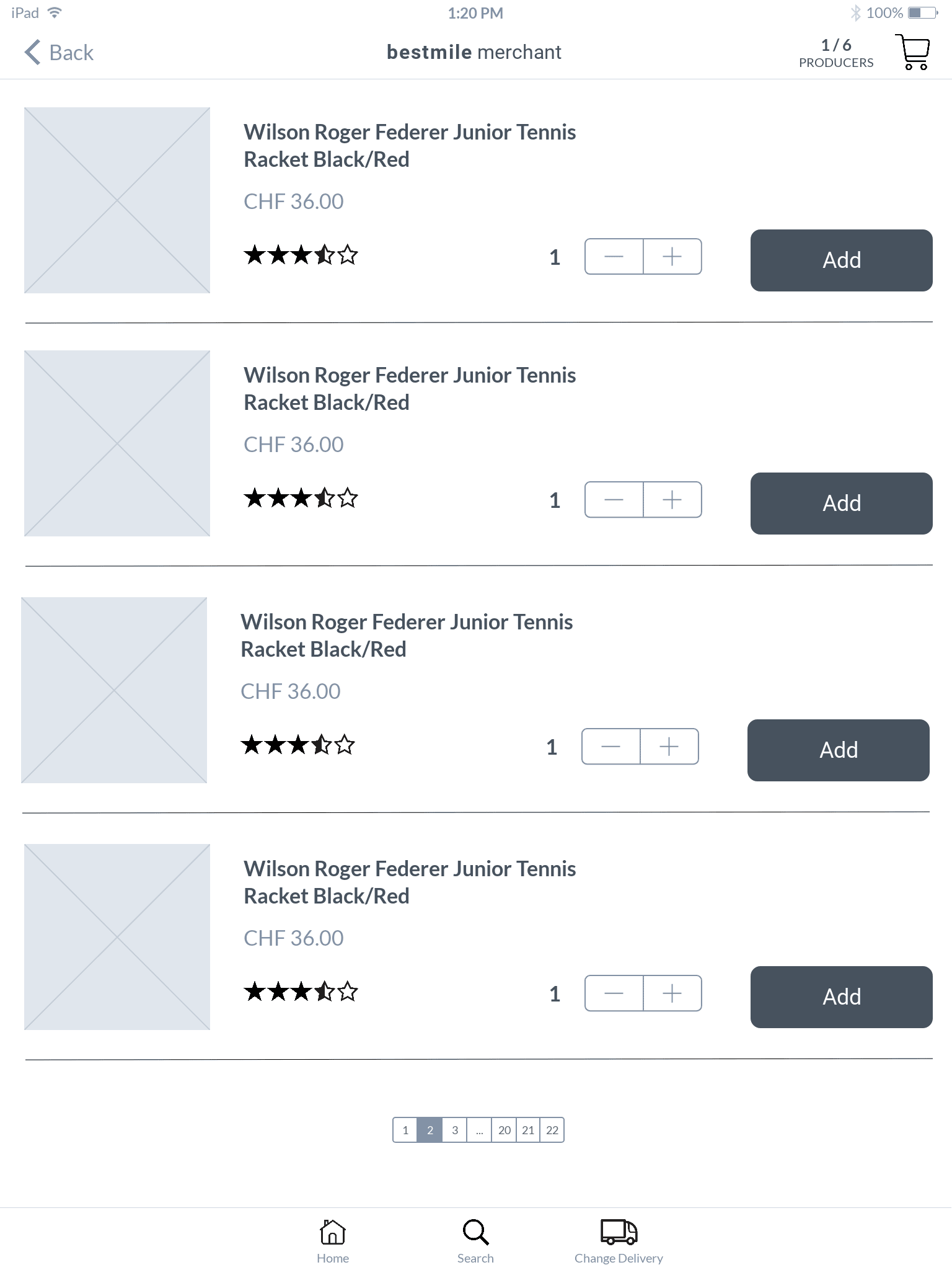
I designed the UX/UI of a tablet application that would allow merchants to select products and assign products to drivers for delivery.
Process
Outcomes
Ideate
User journey
Wireframes
Screen flow
Prototype
Outcomes – User stories
Based on the problem, user stories are created. The user stories helped to guide the design. They were also a measure of whether the functionality meets the requirements.
AS a Merchant GIVEN I open the application WHEN the application has loaded THEN I am prompted to select my location.
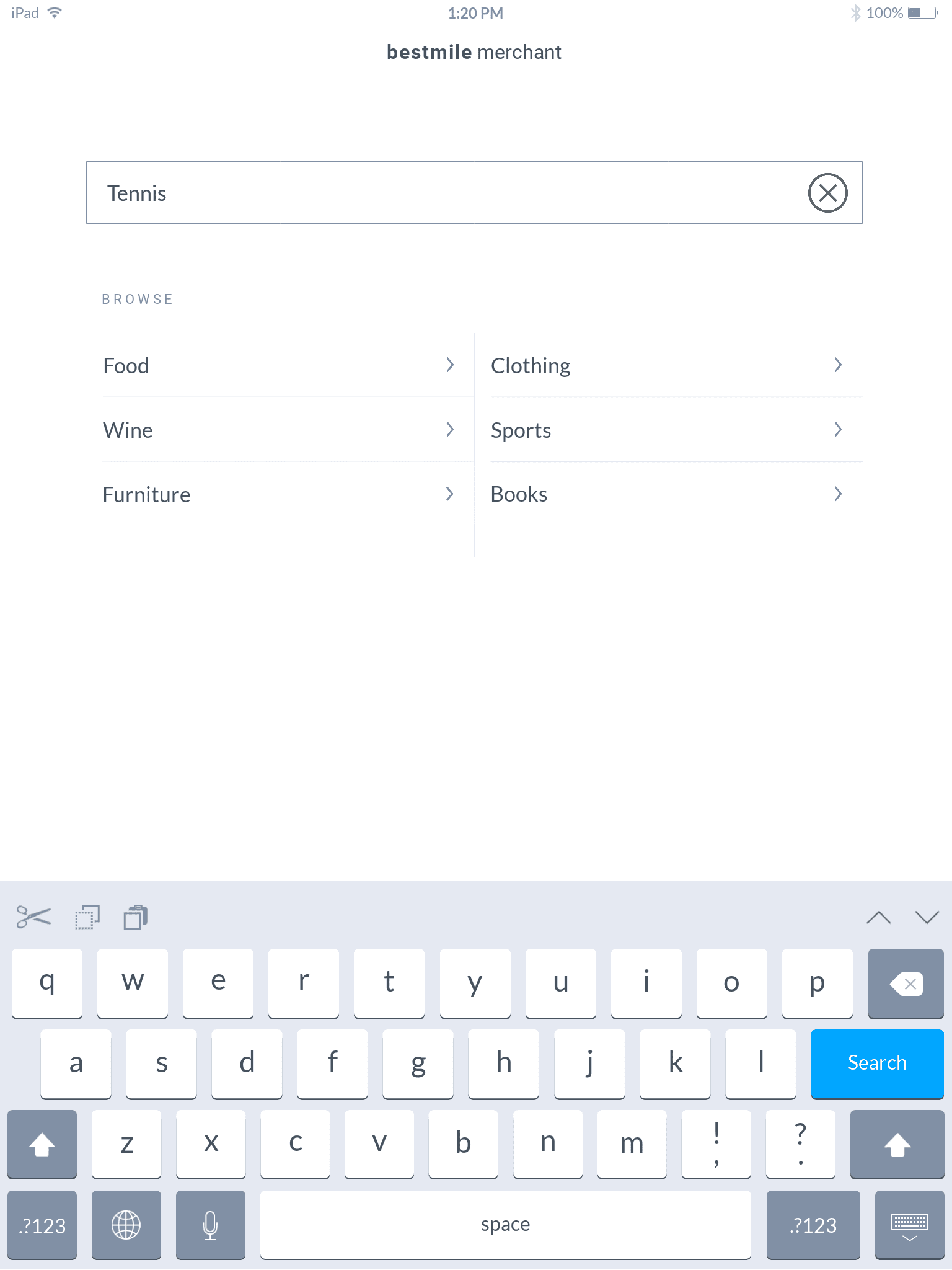
AS a Merchant GIVEN that I am on the home page WHEN I search for a product THEN I can view a list of relevant products that are available in my area.
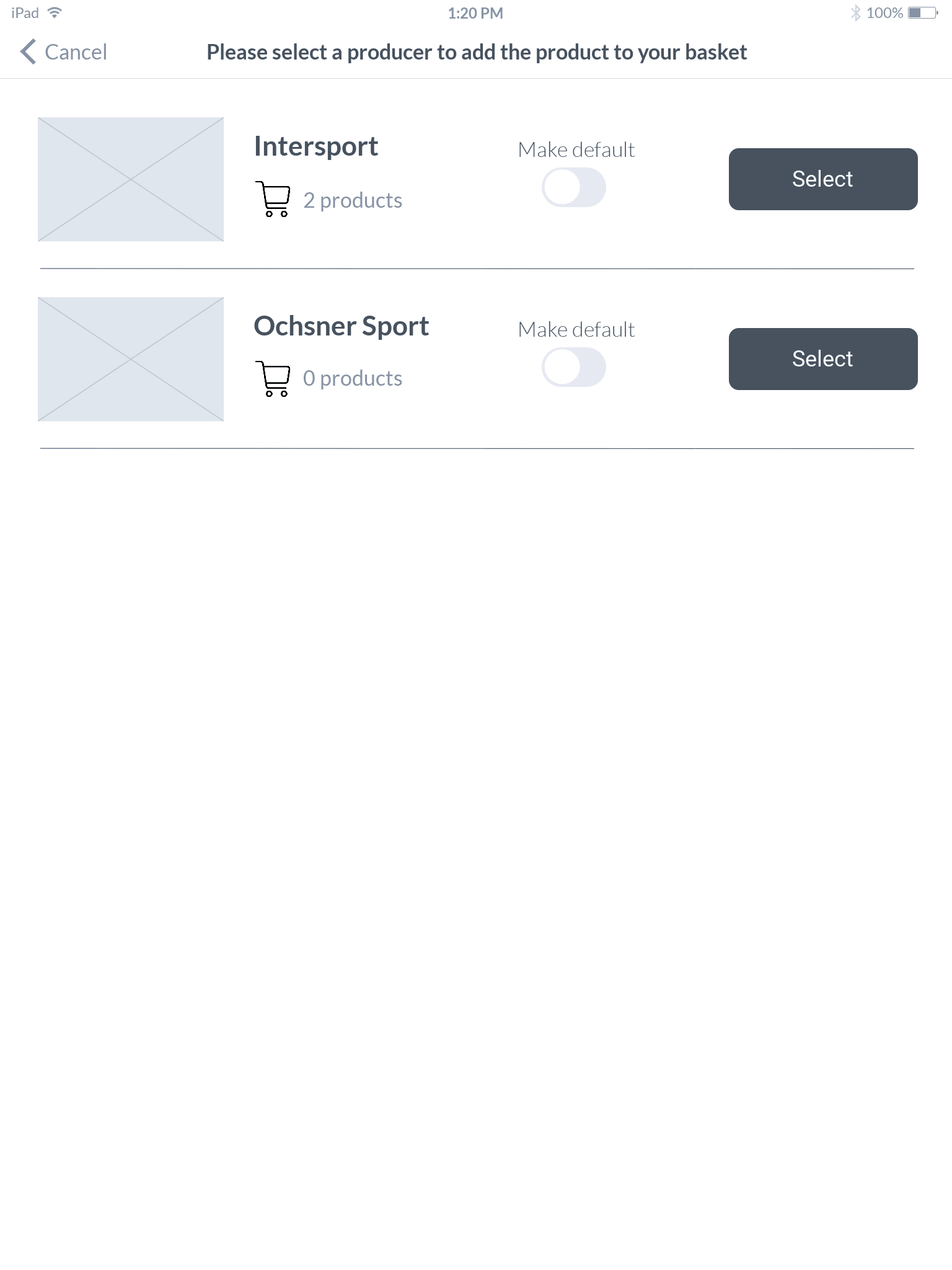
AS a Merchant GIVEN that I am viewing a product WHEN I select the product THEN I am prompted to select a producer.
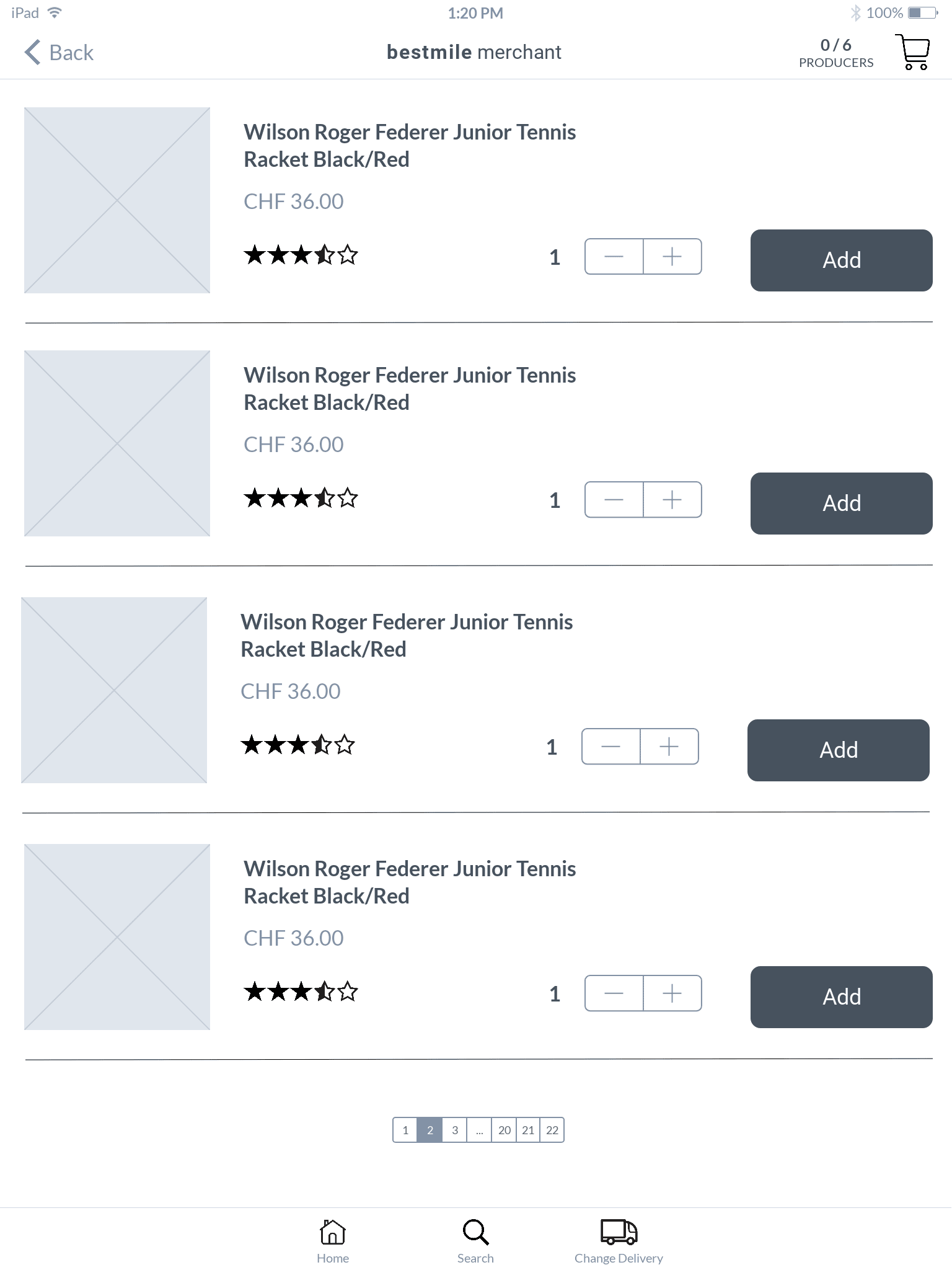
AS a Merchant GIVEN that I have selected a producer THEN I will be able to see the number of producers I have selected AND the total number of producers I can select.
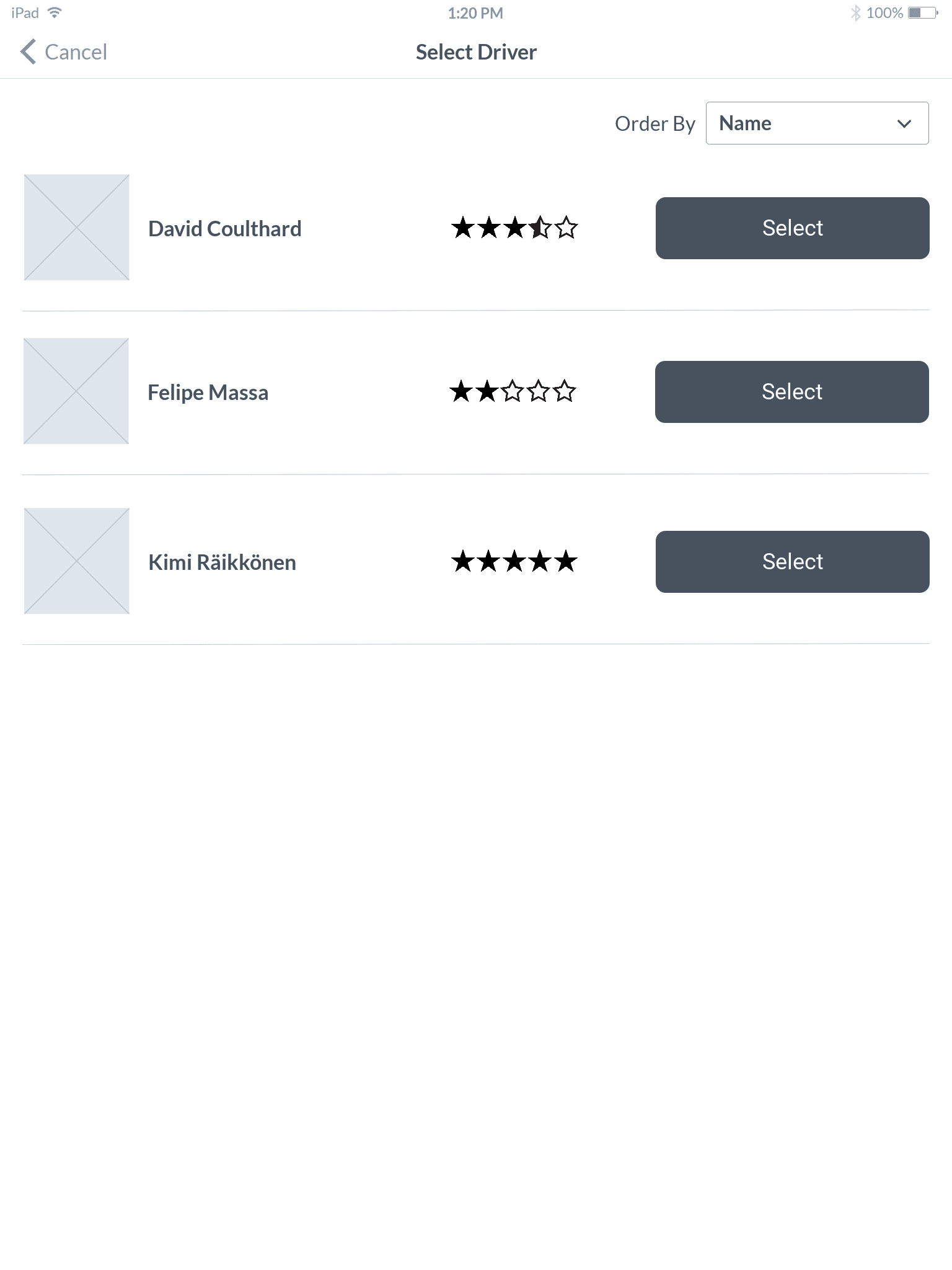
AS a Merchant GIVEN that I have selected all the products I want WHEN I click checkout THEN I am given a list of available delivery drivers.
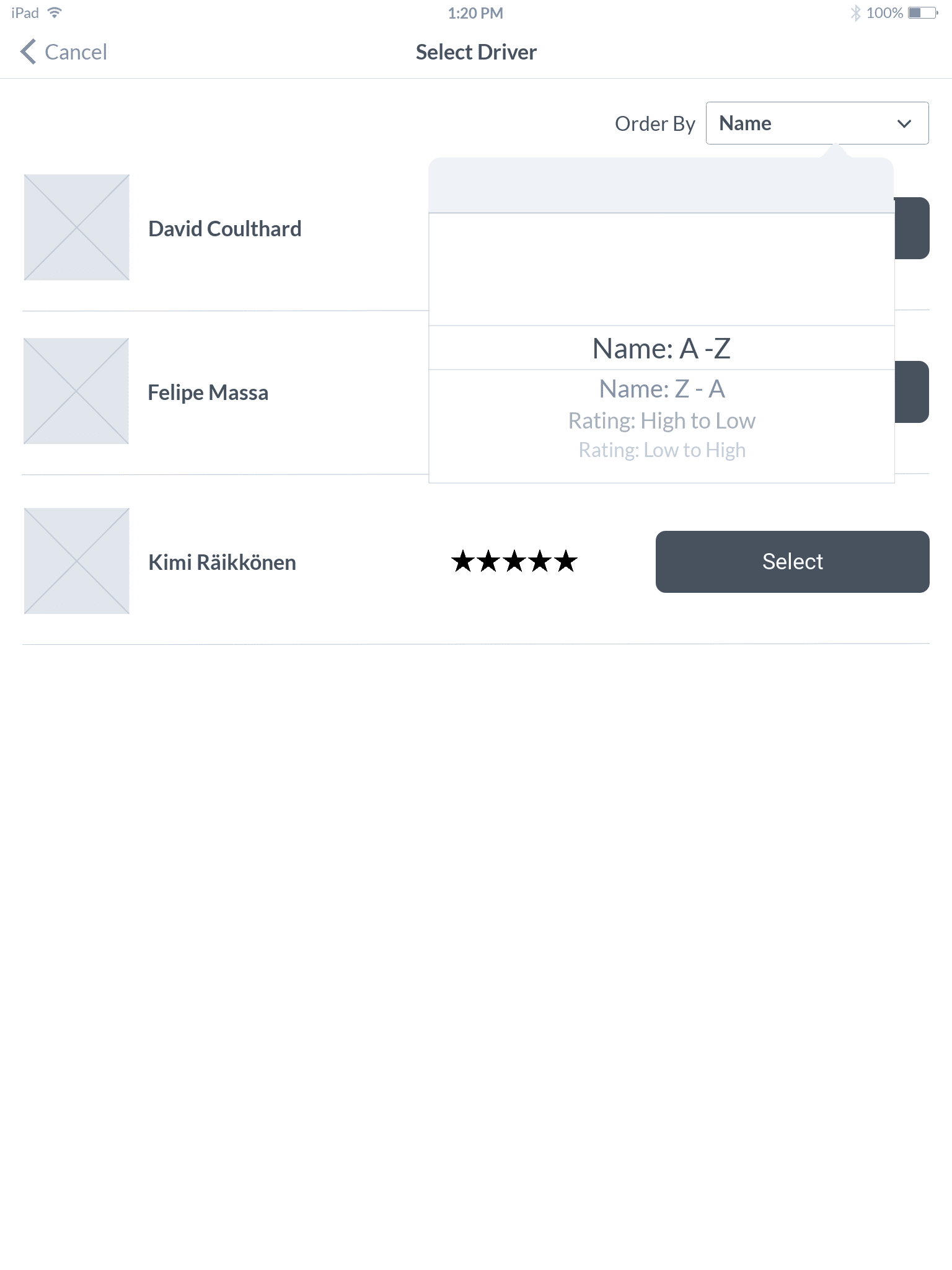
AS a Merchant GIVEN that I am viewing a list of drivers WHEN I select order by THEN I can order the list by driver rating.
AS a Merchant GIVEN that I am viewing a list of drivers WHEN I select a driver AND confirm my order THEN I view an order placed confirmation page.
Ideate – Sketches
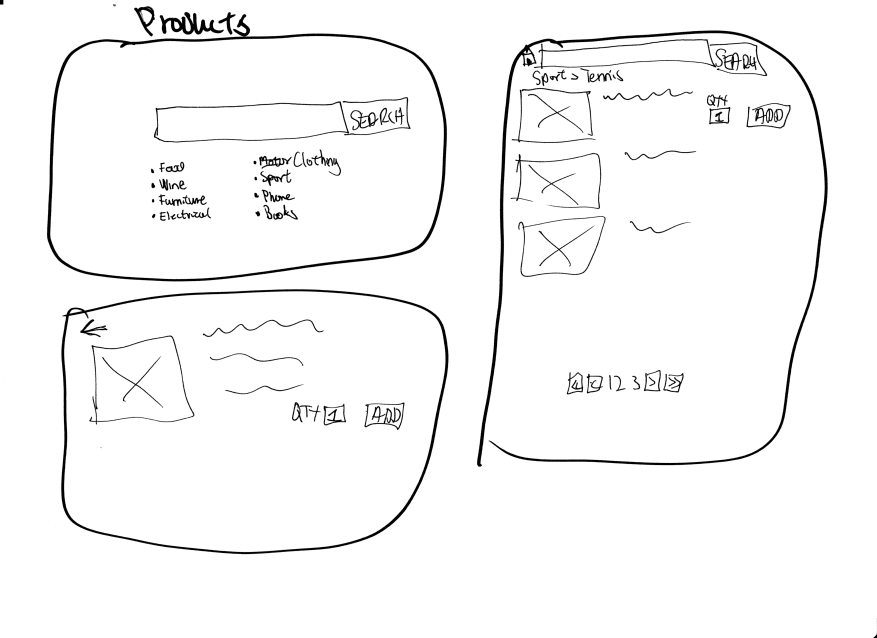
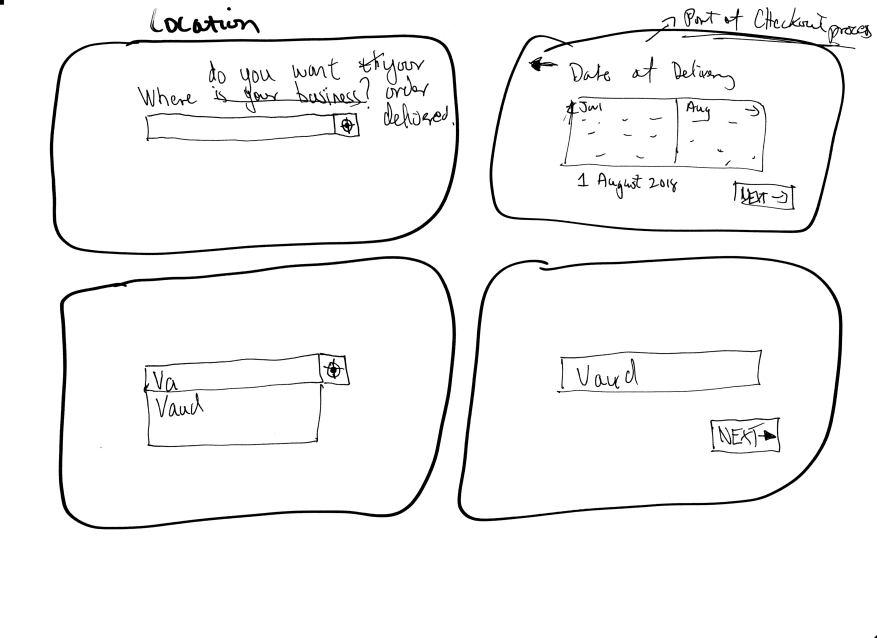
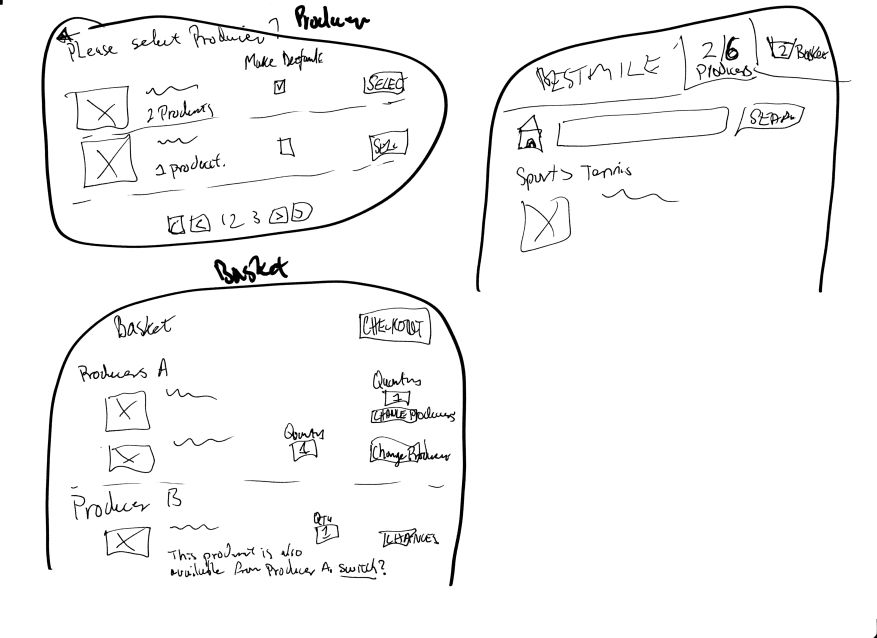
Using pen and paper, I created sketches to ideate various screens and possible ways of providing solutions.

User Journey
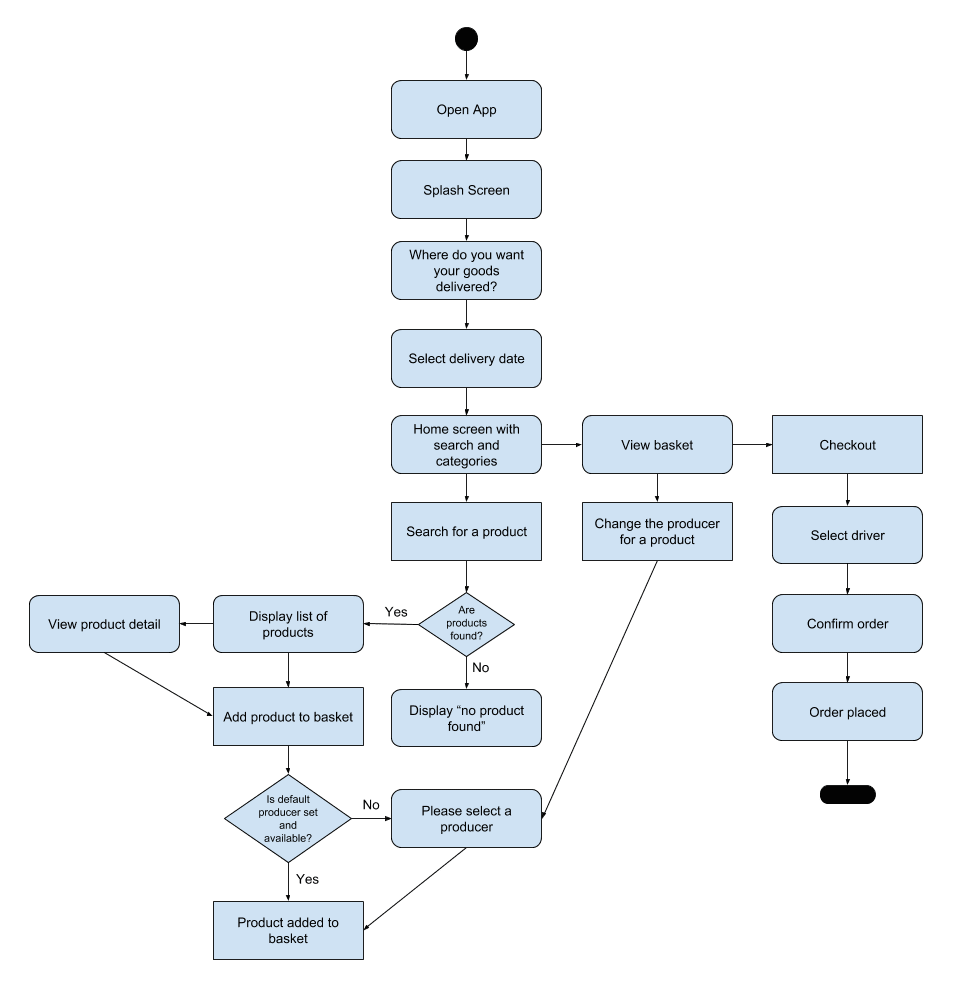
I created a user journey flow to understand how the different processes needed to fit together. The user journey also allowed me to see the exception senarios and how it affected the journey. This helped to inform what screens needed to be designed and how these screens would interact with the rest of the system.
Wireframes
Lo-fi mockups
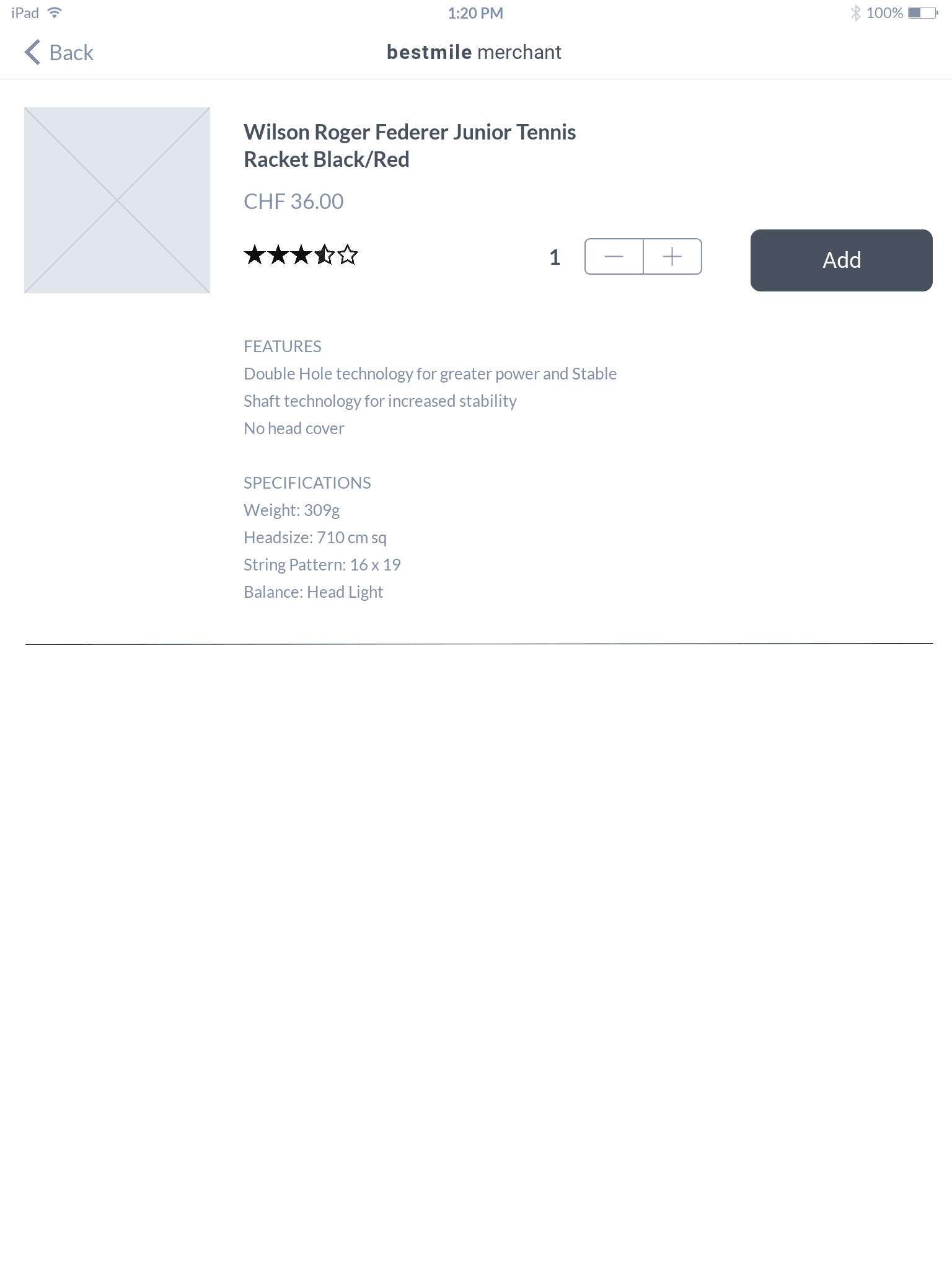
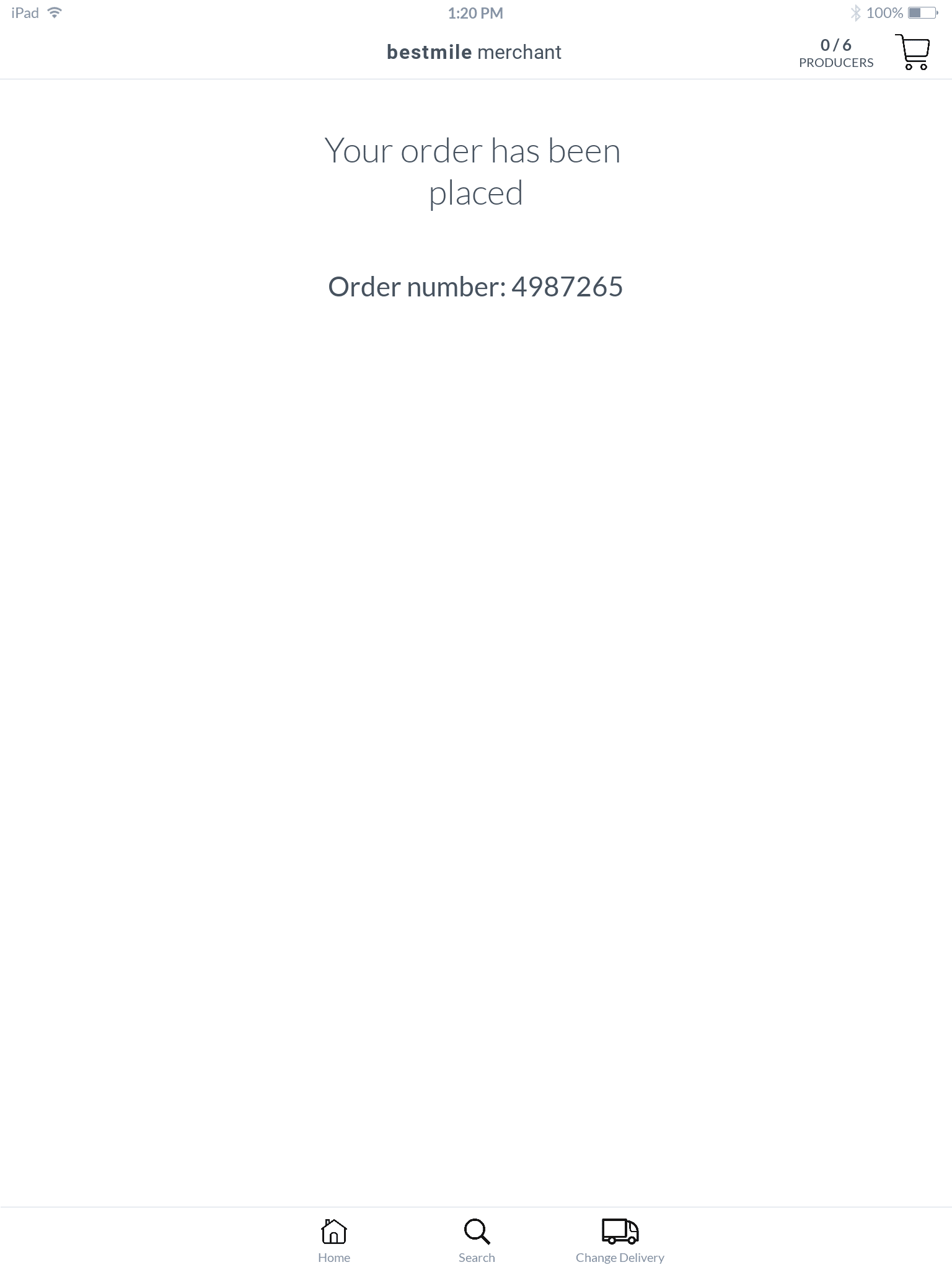
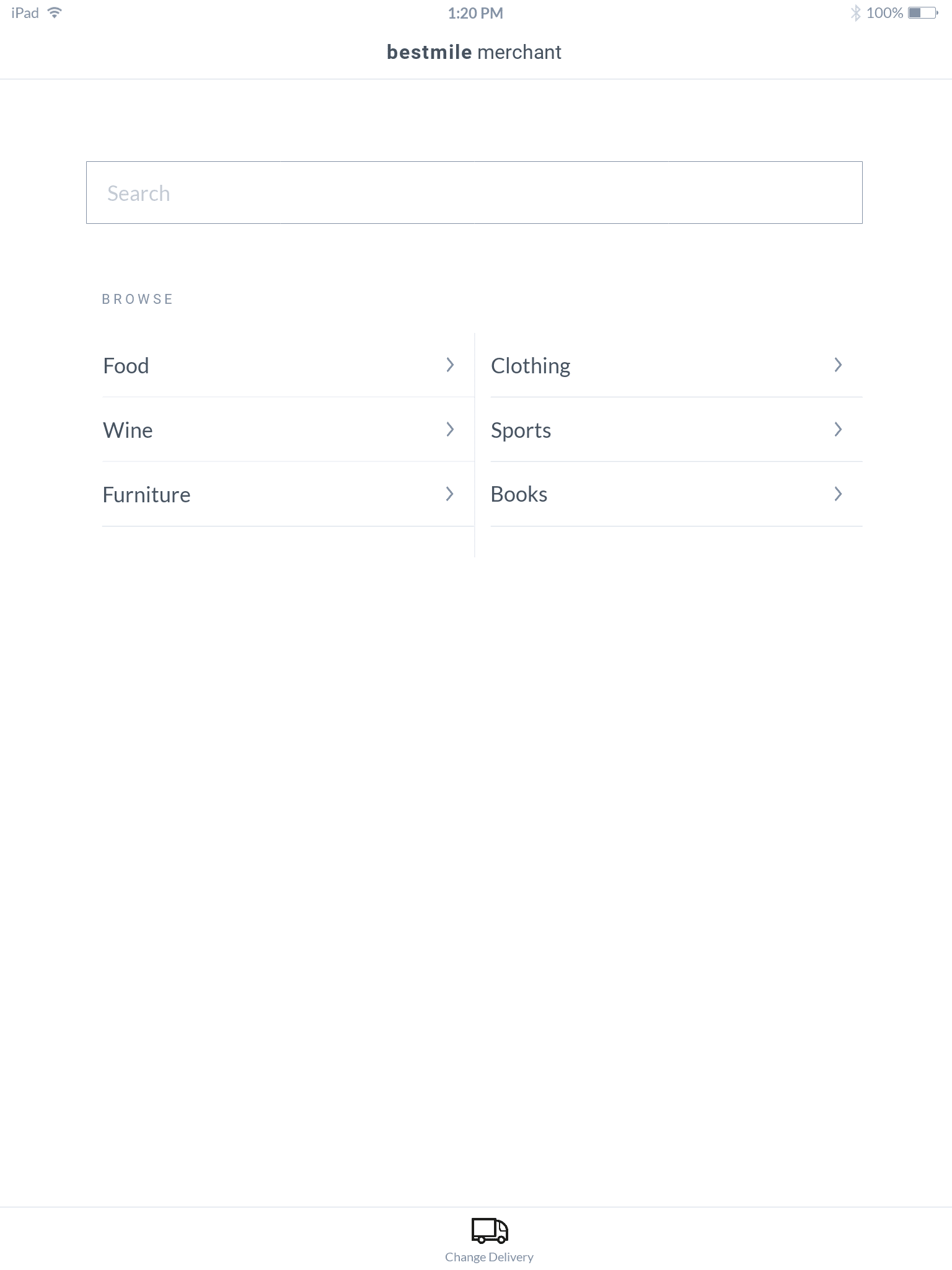
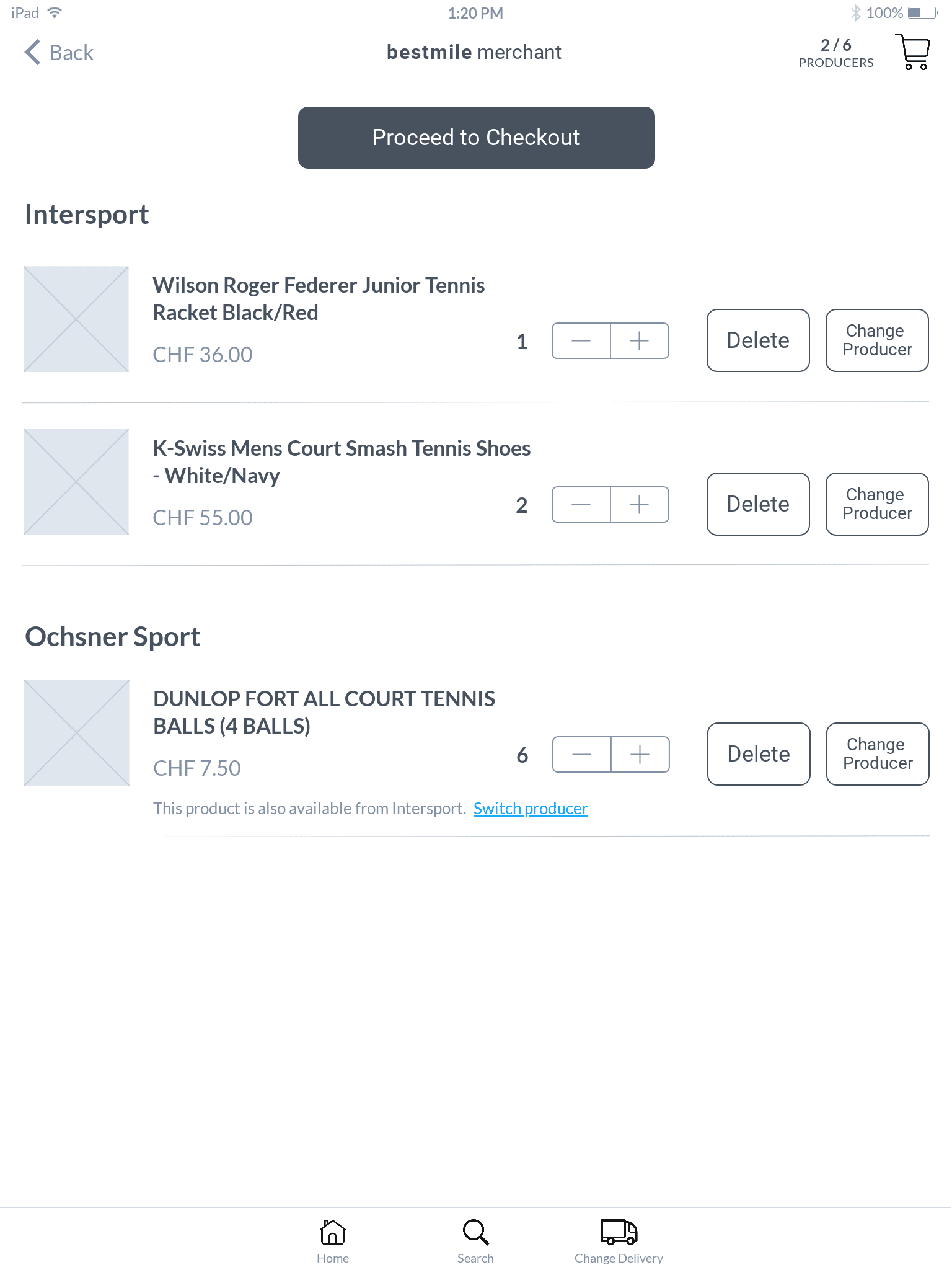
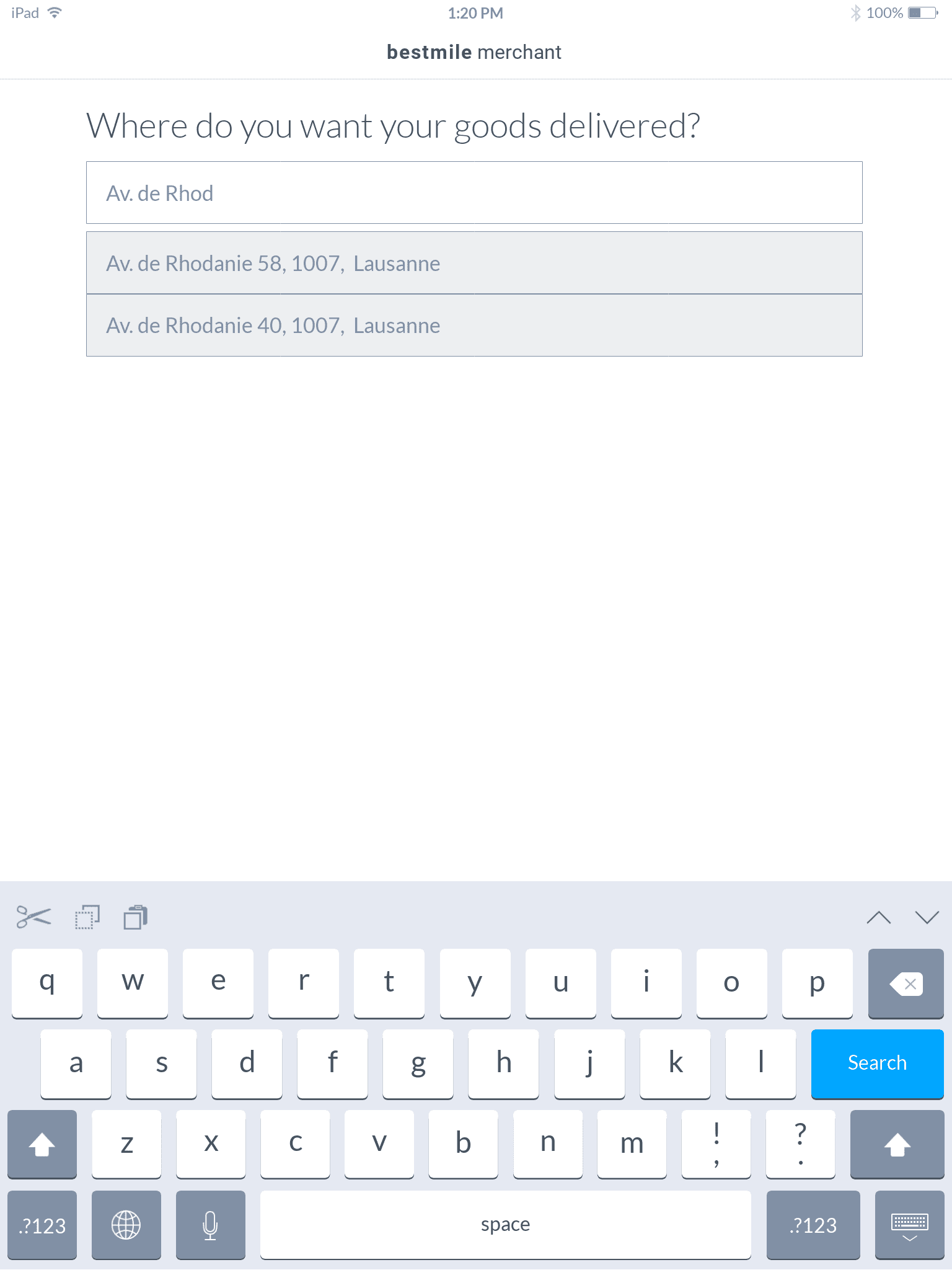
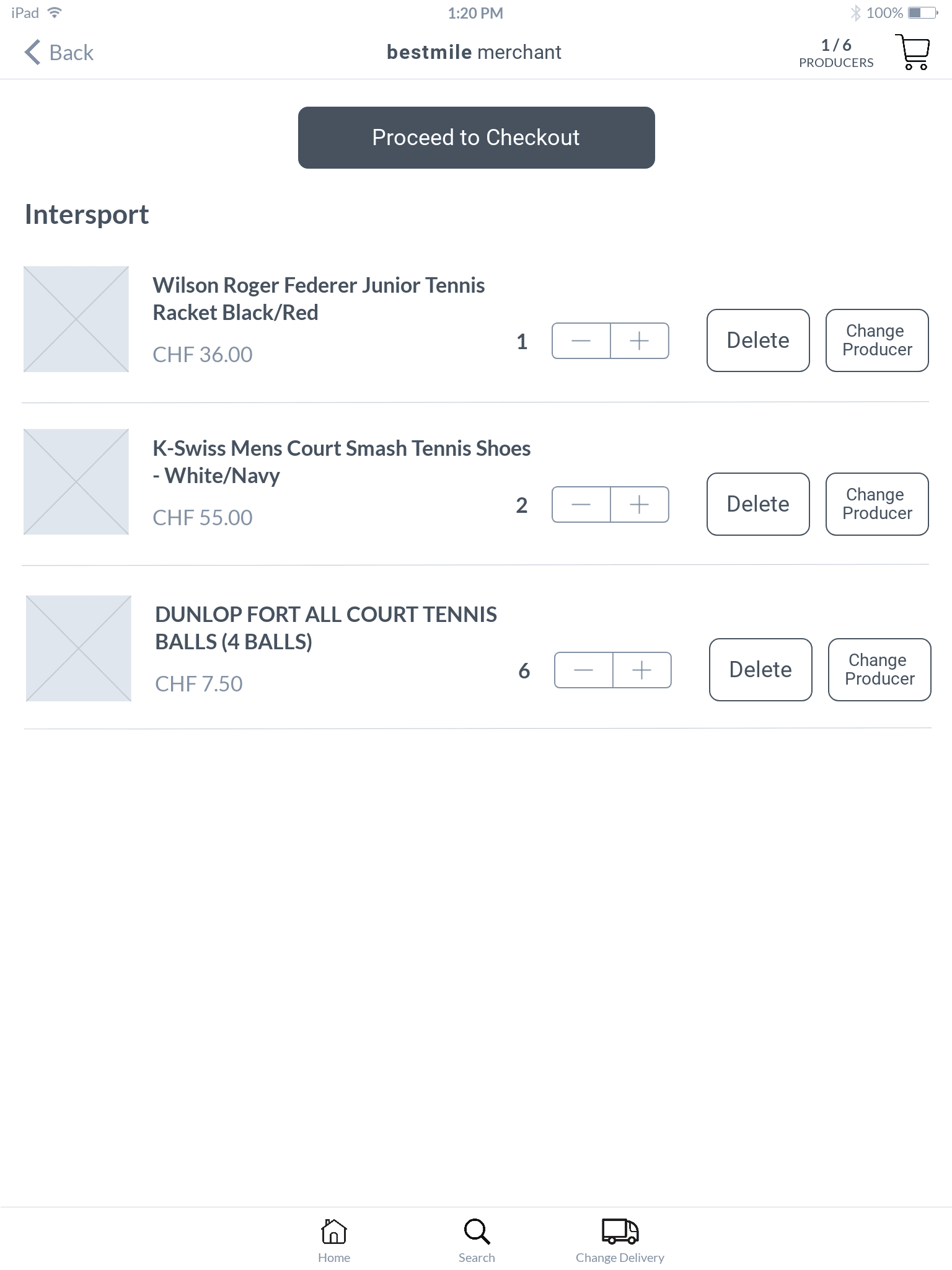
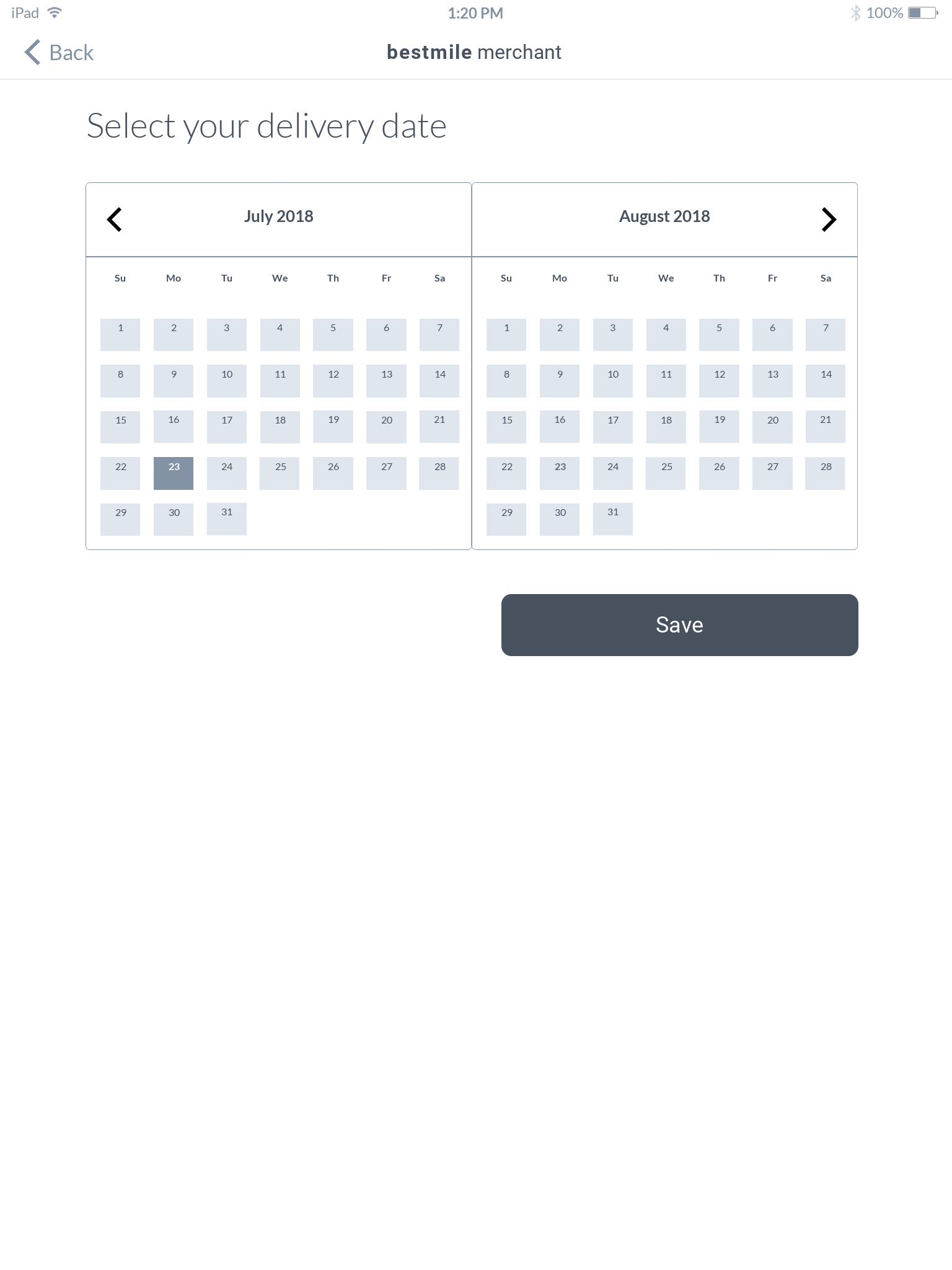
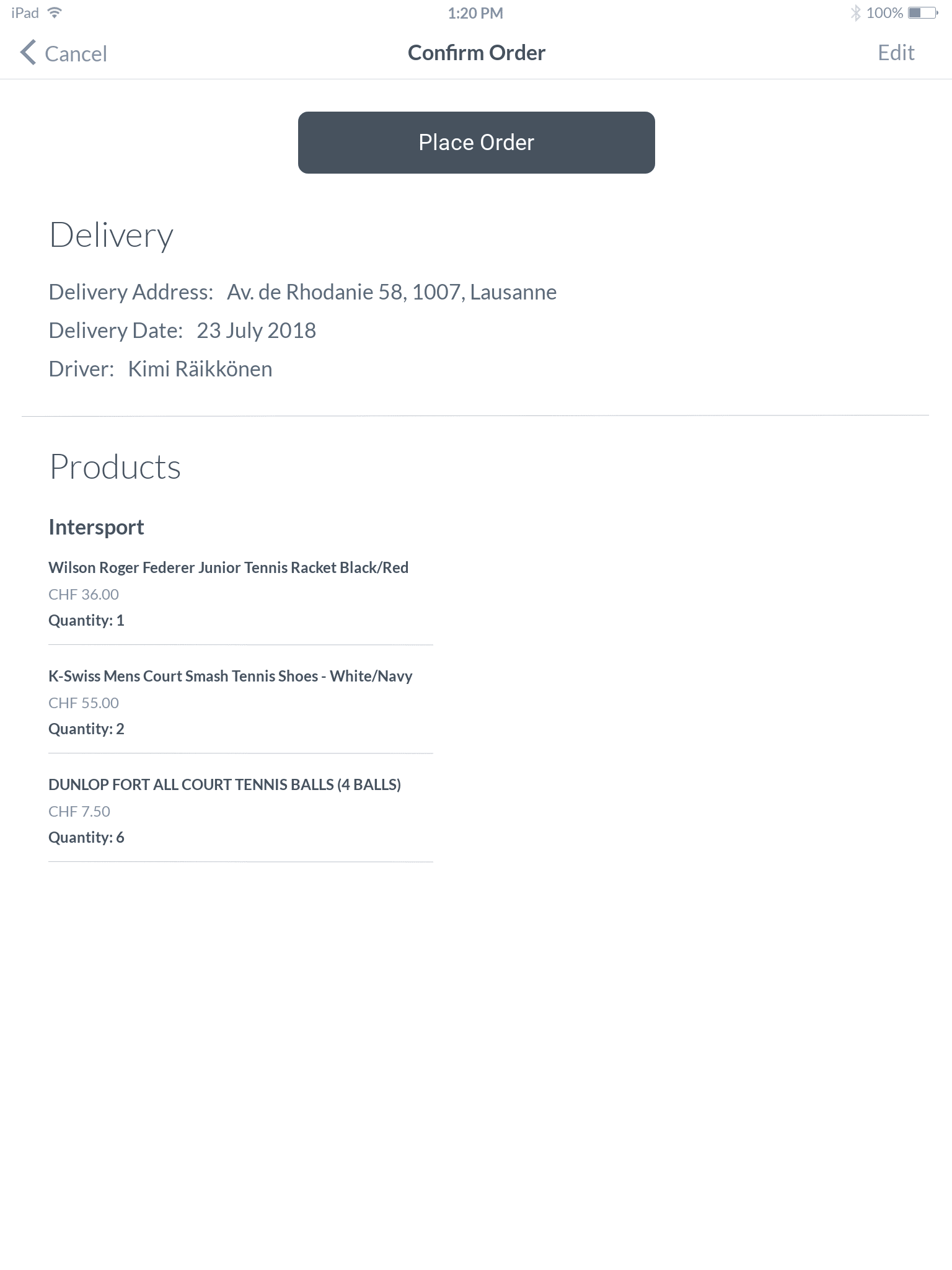
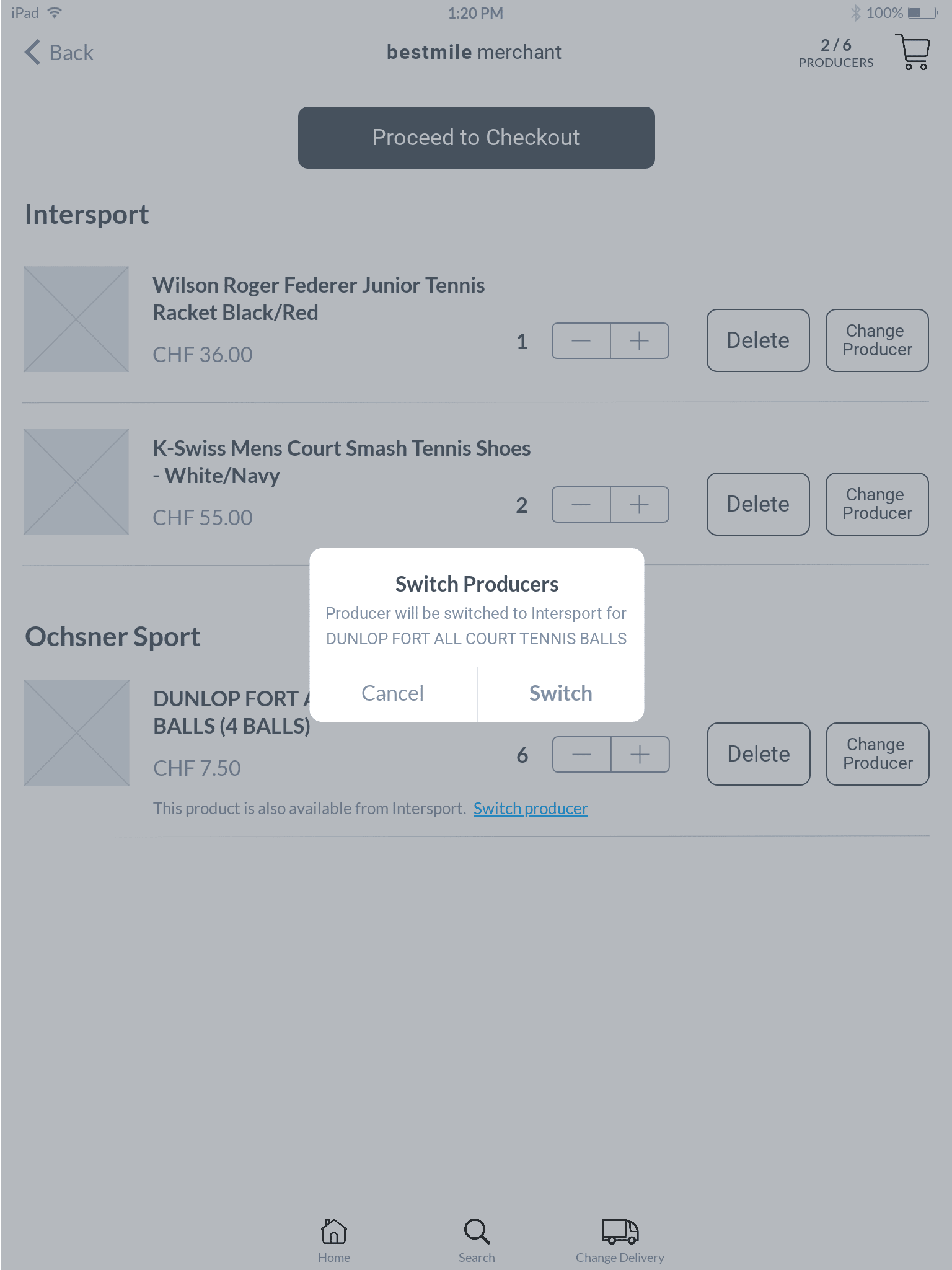
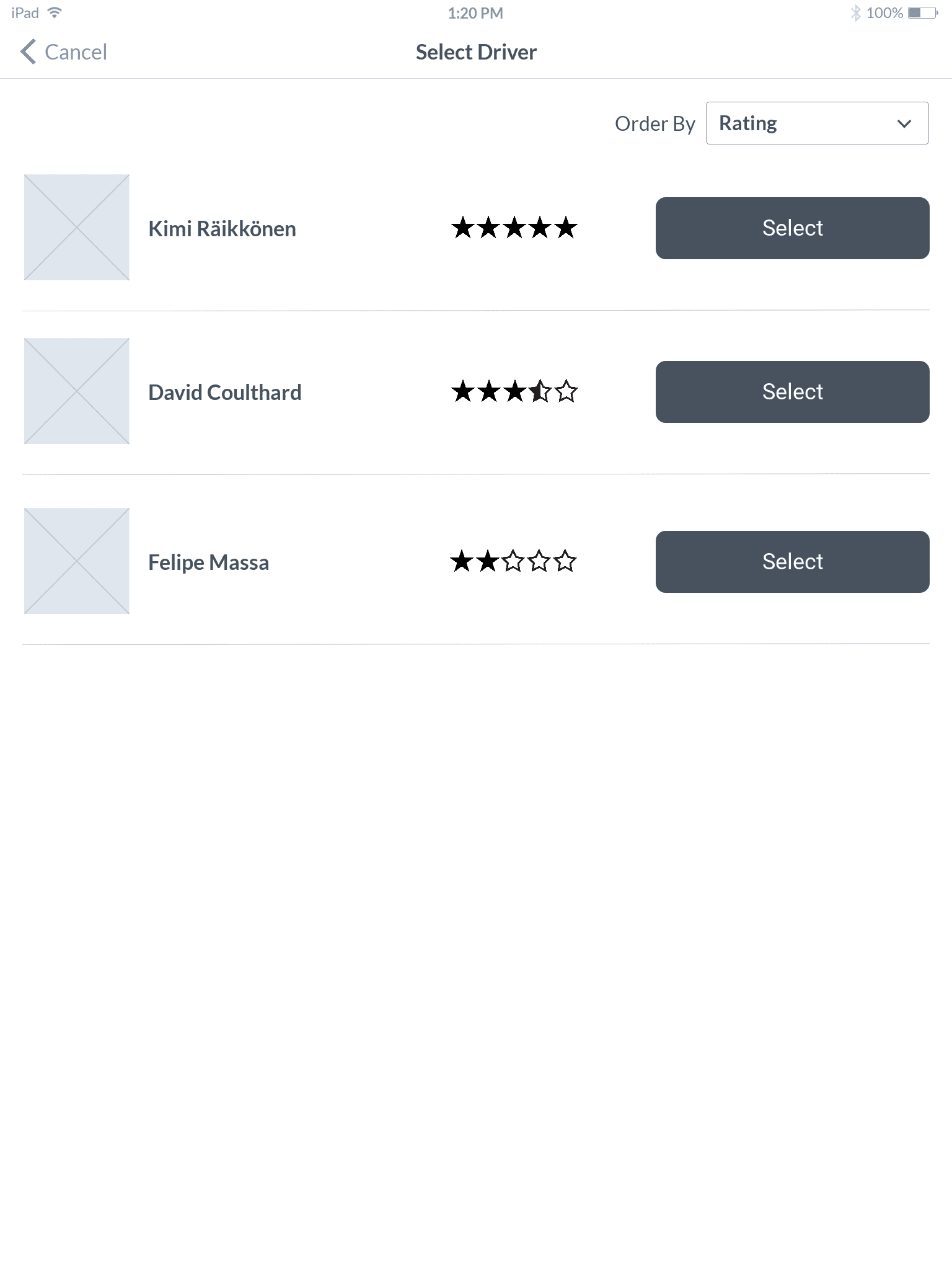
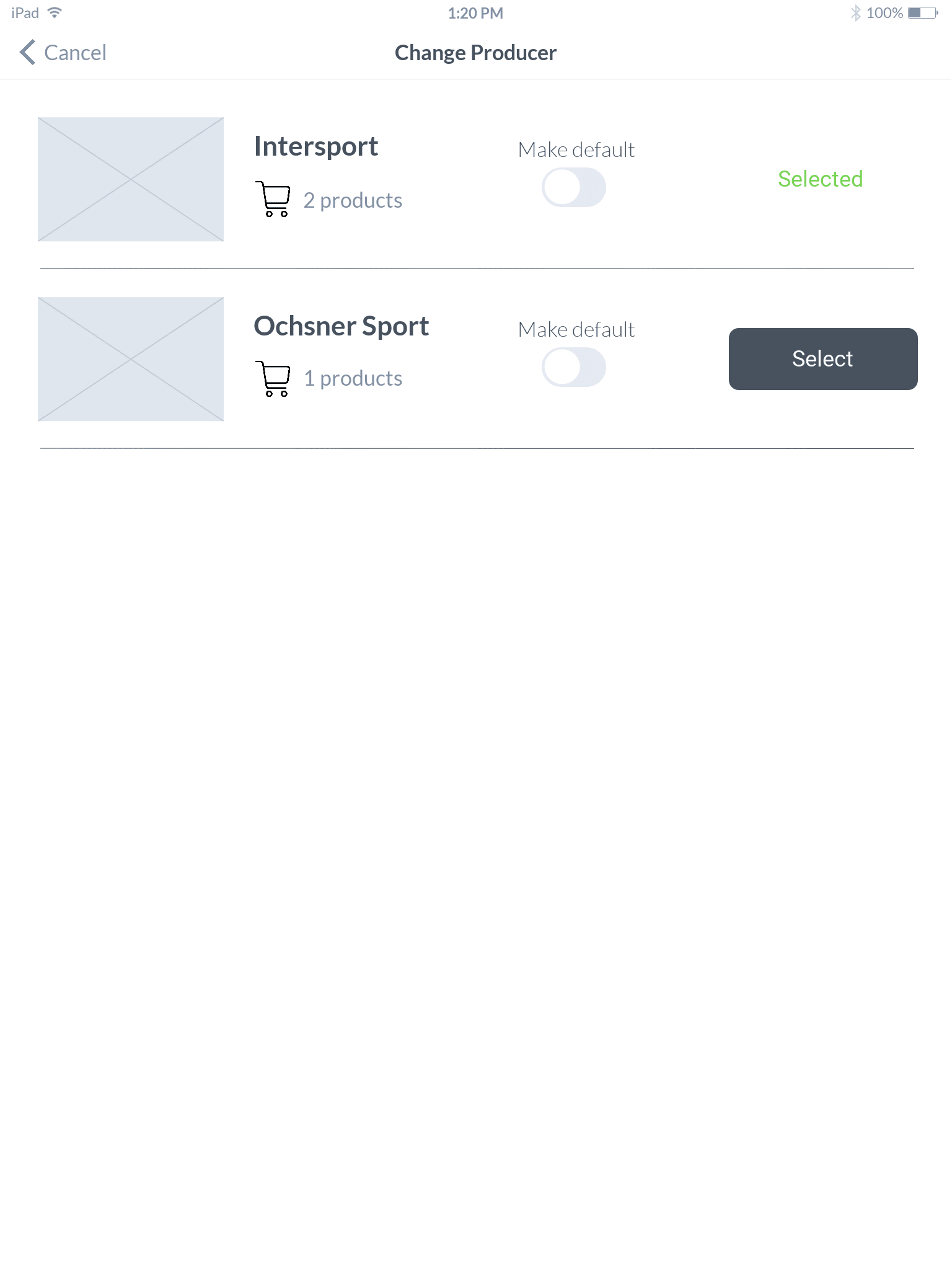
From the user journey and sketches I designed wireframe mockups of each of the screens. This allowed for the finer details of the system to be developed.
Screen Flow
From the wireframe mockups a screen flow was created which informed how the prototype would work.

Prototype
A clickable prototype was created to allow for user testing. Based on user interactions screen animation was used as feedback to the user that certain actions had been performed.